Not just words.
Real experiences.
No empty promises and not just words - real experiences from organizers who transformed their events with the Photowall.
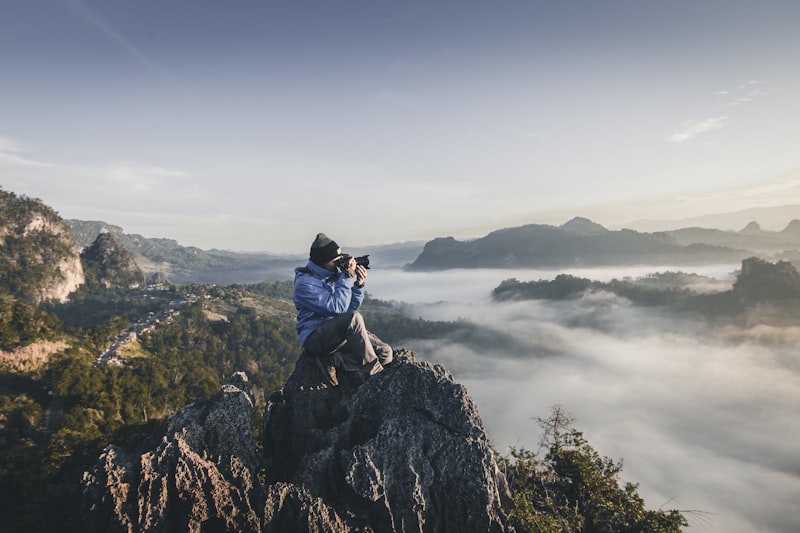
How I stumbled onto the Photowall by accident
Challenge
As an event photographer, my work was only ever visible hours later - back at the computer, after the fact. I finally wanted to show the guests their photos in real time.
Solution
At a corporate event, I spontaneously tested the direct camera upload to the Photowall. Two minutes of setup, credentials punched into the Sony - done. My pro shots showed up live on the LED wall, right between the guest uploads.
When my shots popped up in the slideshow, it felt absolutely amazing. The guests reacted instantly.
You know what the best part of my job is? Those unplanned moments.
Back then, I was shooting a corporate event as a photographer. Out of the corner of my eye, I notice Julian - I didn't know him yet - setting up his photo booth. LED wall right next to it, pictures running live. Seriously cool.
And I'm just thinking: 'Man, that would be it. If my Sony camera shots could just run on there too.'
So I walk over. Just ask. Honestly expecting a polite 'Nah, sorry, that's not possible.'
But Julian? Grins. Pulls out his phone. 'Hang on a sec.'
Two minutes later I have credentials. Straight to my phone. I punch them into my camera - done. No USB stick. No laptop. Nothing.
I keep shooting. Normal work. Every now and then I glance up - and there it is: my photo. Right in the middle of the photo booth shots. On the LED wall. Big. Live.
Wild, right?
The guests stop. Point at it. 'Oh, that's the one from just now!' And I'm standing there thinking: 'This is exactly what I always wanted.'
I've been photographing events for years. And my work? It was always only visible hours later. On the computer. After the fact.
But here? Instantly. Directly. Live.
What I didn't know back then: that little 'let's try it' experiment was literally the moment direct camera upload was born as a feature. I got to be there for the very first idea. Without even realizing it.
And today? I use the Photowall at every bigger event. Not because I have to. Because it's fun. Because the guests love it. And because my work is finally visible in real time.
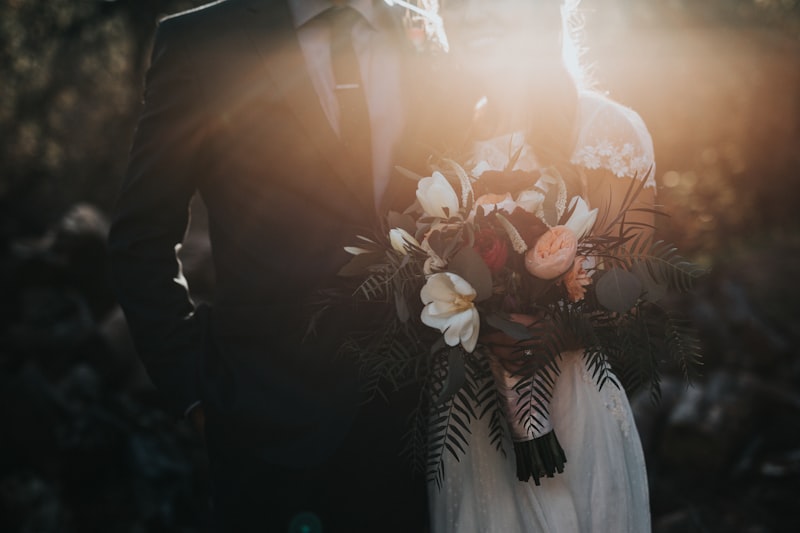
Live shots from the registry office to the reception - emotionally and technically spot on
Challenge
The ceremony took place in the morning at the registry office, far from the reception venue. Most guests were waiting later at the main location - and they absolutely had to be able to share in the emotional moments from the registry office.
Solution
Direct upload from the camera via phone hotspot. I deliberately picked the best shots right in the camera and uploaded them - while the bride and groom were driving to the reception, the registry office photos were already showing up live on the screen at the venue.
So many guests came up to me and said: 'It feels like we were right there with you.' And that was exactly the idea.
The ceremony took place in the morning at the registry office, far from the later reception venue. Only a small group could be there in person - most of the guests were waiting at the bigger venue for the newlyweds to arrive. For both the bride and groom, one thing was clear from the start: the others absolutely had to see later just how emotional and beautiful the registry office moment really was.
I had two cameras with me, and each one has its own quirks when it comes to FTP upload. But once you've figured out where the relevant menu items are hiding, the setup is genuinely quick. Enter credentials, test the connection - that's it.
For the upload I simply used my phone as a hotspot. No laptop, no extra case, no additional hardware. Just: camera, pick a shot, upload.
And that's exactly the magic of the Photowall: I could decide directly inside the camera which images would get transferred. Everything stayed intentional, curated, and nicely sorted for the guests - without hundreds of pictures flooding in uncontrolled.
While we were still shooting at the registry office and afterwards taking a few couple shots outside, I uploaded small batches in between. Just a couple of seconds - a tap in the camera menu - and the pictures were already up on the wall.
The venue had the projector wall set up, the URL open - and was just waiting for the images to roll in.
When we finally arrived at the reception in the afternoon, the guests were already gathered. And then - at the exact moment the couple walked through the door - the first images of the morning appeared on the screen.
Those reactions are something I'll never forget: astonishment, laughter, goosebumps. So many people were visibly moved that they were still somehow part of it through the photos - even though they had missed the actual registry office moment.
The Event Photowall made my entire workflow incredibly easier. No more dragging a laptop along, no frantic post-production, no awkward later transfers via external devices. I could finally work the way it feels intuitive: shoot, select, send, done.
For me, the Event Photowall isn't just a tool. It's a new way to make photography feel alive in real time.

Online event with branding - simple, interactive, and professional
Challenge
For an online event we were looking for an interactive solution with professional branding that would seamlessly match our corporate design and at the same time bridge the virtual distance.
Solution
Full corporate branding (logo, colors) in the user area. Every participant could upload one image, the group voted - the top 5 photos won a prize. All remote, stable, and self-explanatory.
The branding fit, the tech ran smoothly, the interface was intuitive - and the participants were clearly having fun.
As the event team of a public sector organization, we're constantly looking for ways to make our digital events more interactive and more lively. For one online event we wanted to give participants something that was fun and also bridged the distance a little.
Since we had never used the Event Photowall before, this rollout was a first test for us - and at the same time an exciting chance to try something new.
It was especially important to us that the tool didn't feel 'foreign,' but blended seamlessly into our visual identity. The Event Photowall team around Julian implemented our branding right away: our logo in the user area, our colors, a clean and serious look. The participants felt at home immediately - and we had a tool that visually looked like it had always been part of our event landscape.
We wanted to keep it simple: every participant was allowed to upload exactly one image. (That feature was actually a wish from us and made its way into the product.) After that, the entire group could vote on which picture they liked most. The five entries with the most votes received a prize.
And that's precisely where the strength of this setup showed: quickly understood, immediately used, smoothly running.
Since all participants were joining remotely, stability was particularly important. And the Photowall really delivered: uploads worked without delay, the voting was logical and transparent, the interface was self-explanatory, and there were no technical issues throughout the entire event.
As the event team, that was a real relief, because we could focus on the program instead of the tech.
The Photowall noticeably loosened up the event. Even without a slideshow, purely digital, just over laptop and phone, a relaxed exchange emerged. You could really see how much fun the participants were having getting involved - especially since everyone was sitting in home offices or scattered across different locations.
For a first deployment, the Event Photowall completely won us over. The branding fit, the tech ran smoothly, the interface was intuitive - and the participants were clearly having fun.
We can easily imagine using the tool again for future digital and hybrid formats. It's a great example of how a simple interactive element can make a virtual event feel more human and more alive.
Frequently Asked Questions
Everything you need to know about Event Photowall
No! That's the biggest advantage of Event Photowall. Your guests simply scan a QR code and land on a mobile web page. It works with every modern smartphone (iPhone & Android), no installation required.
You only need a device to display the photo wall (a laptop connected to a projector or a smart TV) and a stable internet connection (Wi-Fi or hotspot).
You have access to an admin area. There you can decide whether photos must be approved first (moderation mode) or appear directly. You can also delete inappropriate images instantly at any time.
Yes. You can choose from various professional backgrounds or (in the Business package) upload your own background image and logo.
No. The AI (Google Vision/NLP) is opt-in and must be actively enabled by the host. Note: processing takes place in the USA.
Upload window: 3-5 days (configurable). Auto-deletion after 10-90 days - you decide.
Password-protected by default. You can make them public if you wish.
In the Professional and Enterprise packages: Admin, Moderator, Uploader and Viewer with granular permissions.
Yes, Event Photowall is the modern, digital photo booth alternative. Instead of a classic photo booth with hardware, your guests simply use their own smartphones. That means: no queues, no equipment transport, no hours of installation. Every guest can upload photos from anywhere, appearing live on the screen instantly. Plus: you get real interaction through likes, comments and contests - far more than a traditional photo booth can offer.